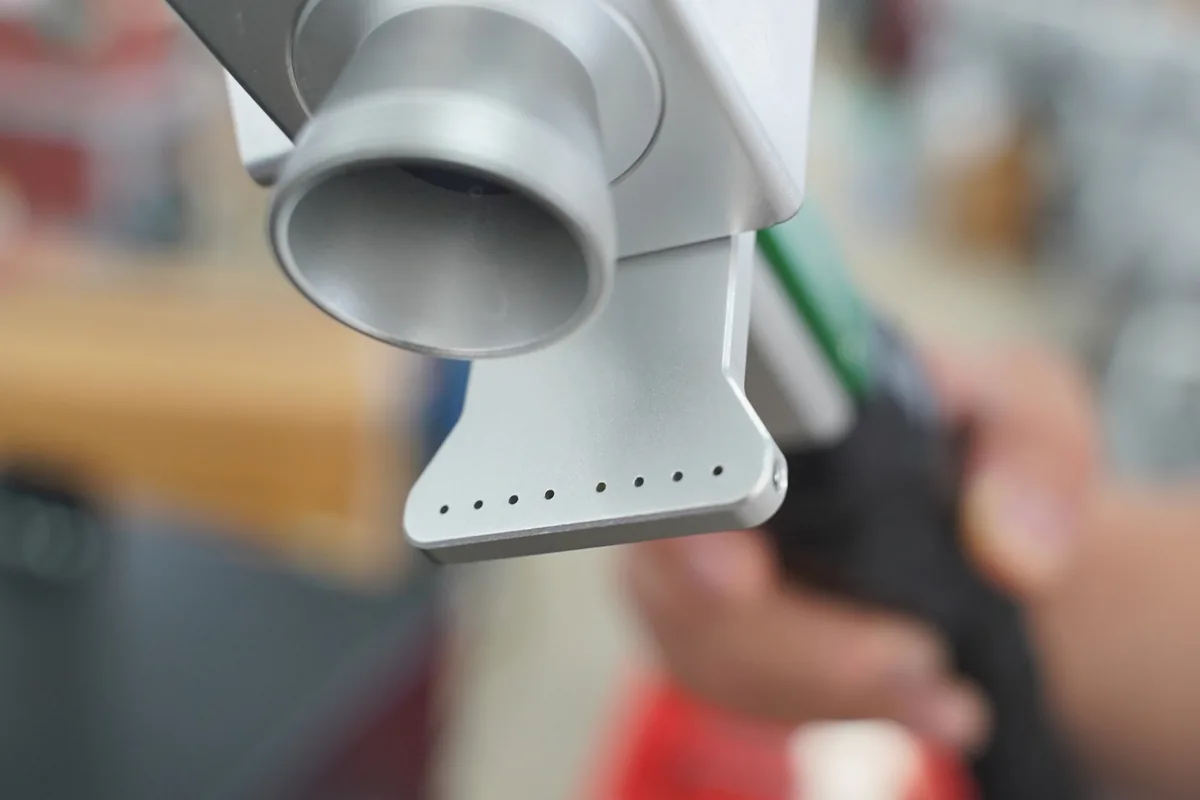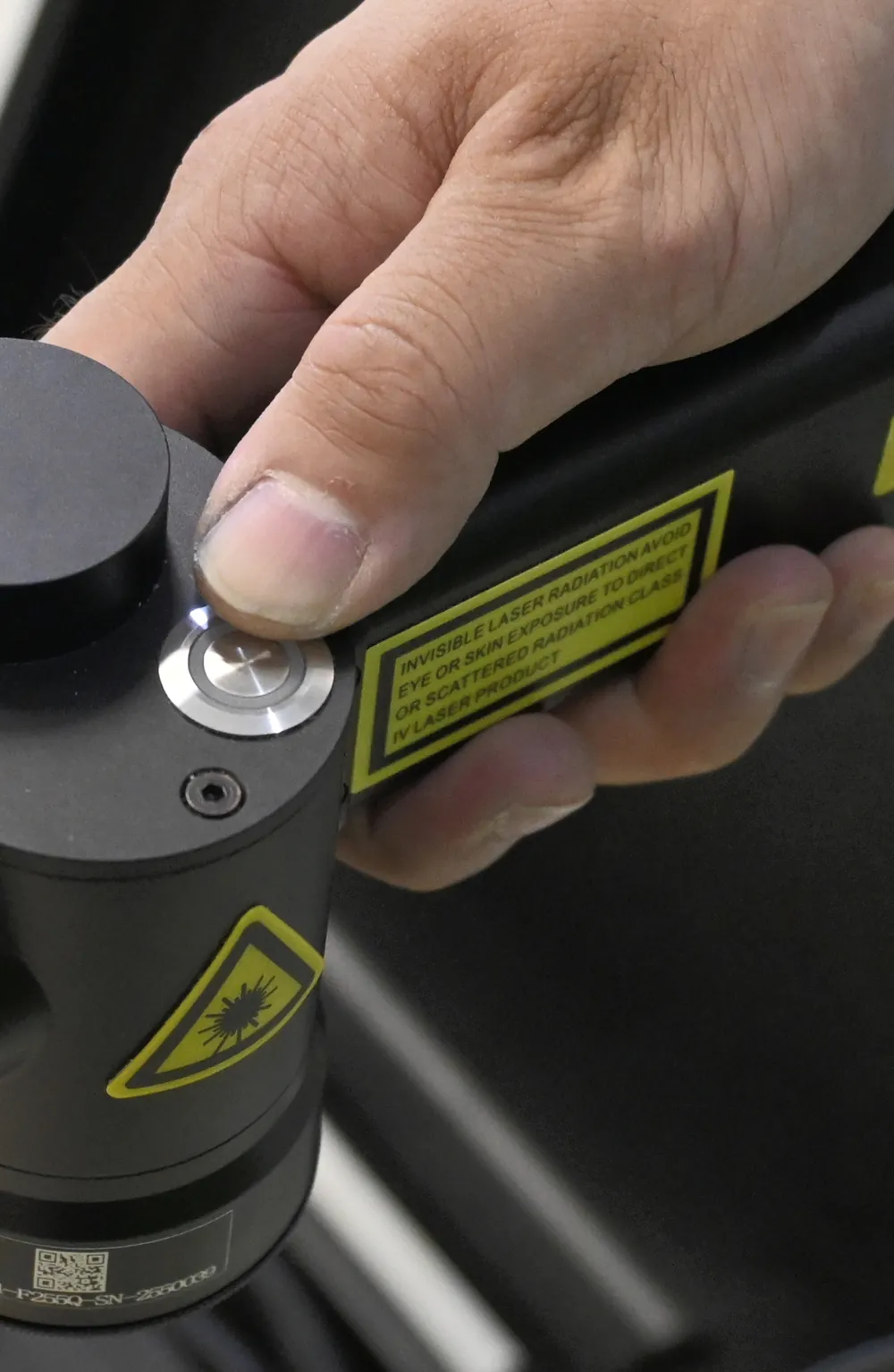
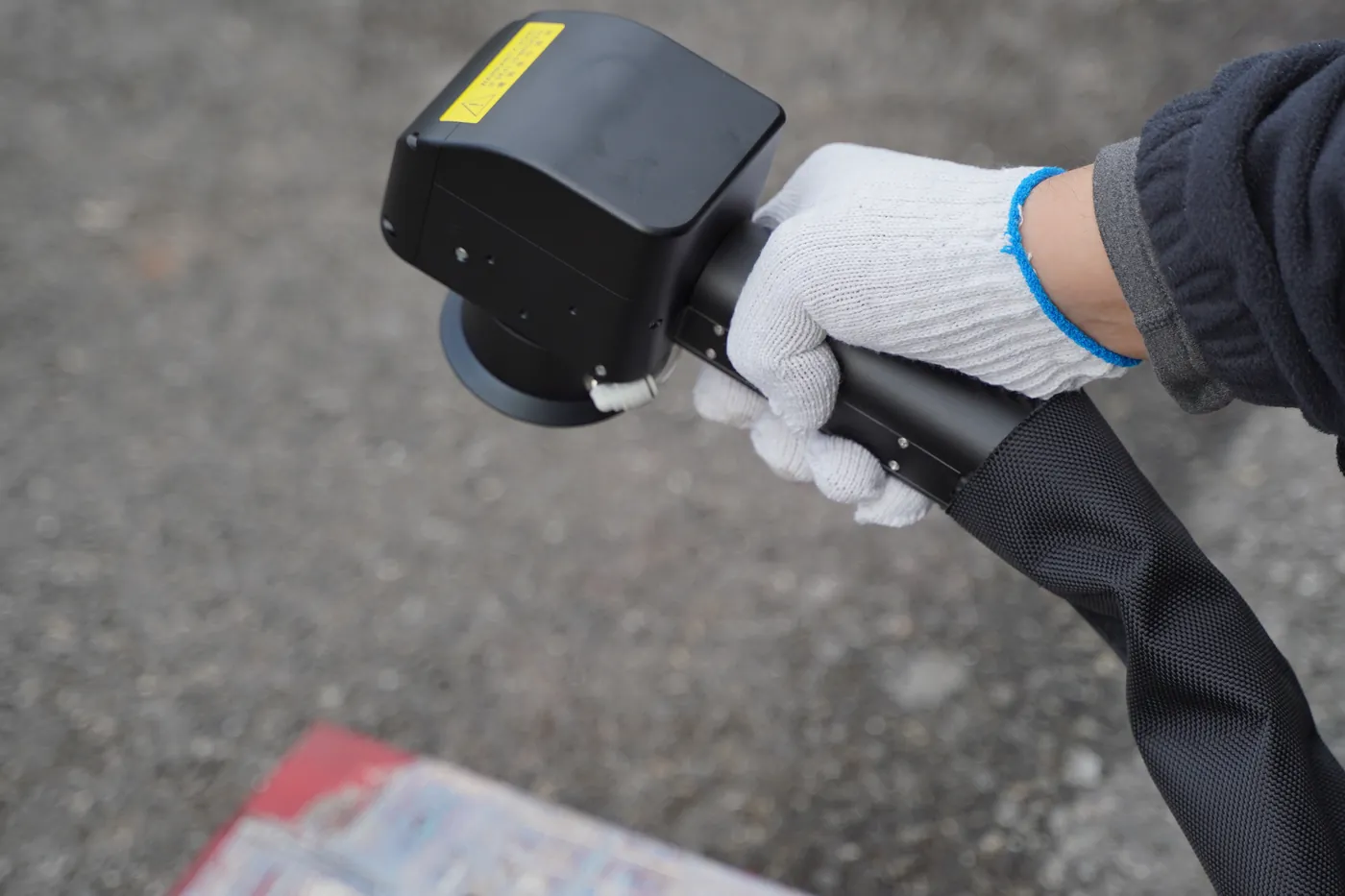
Operator holding a laser cleaning head with the Class 4 laser radiation warning label on its body
Warning labels on the head
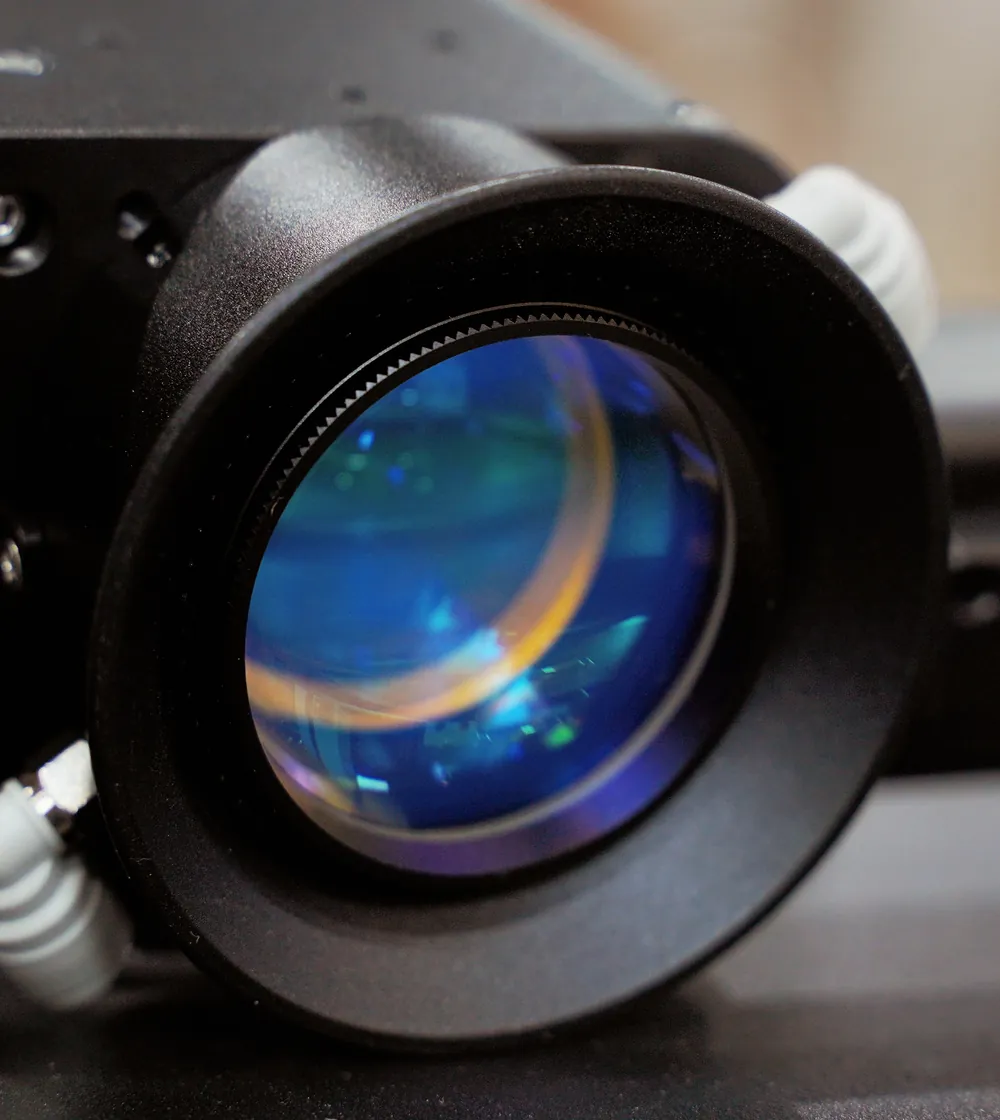
Laser cleaning head optics: the protective lens is the outer glass facing the work surface
Protective lens: daily check

Laser Cleaning Machine Technical Support and Training That Keeps Your Operators Running

MAXWAVE supports every laser cleaning machine we supply from the day it is unpacked through its working life.

  • VideosFrom unpacking to the first job, and through routine care
  • EngineersA full-time engineer on online video, with translation, starting from the equipment record we keep for your unit
  • Cover2-year parts warranty, and an engineer responds within 24 h
Quick guide

Installation and Training Materials Shipped With the Machine

Each machine arrives with a set that takes your operator through setup and first use.

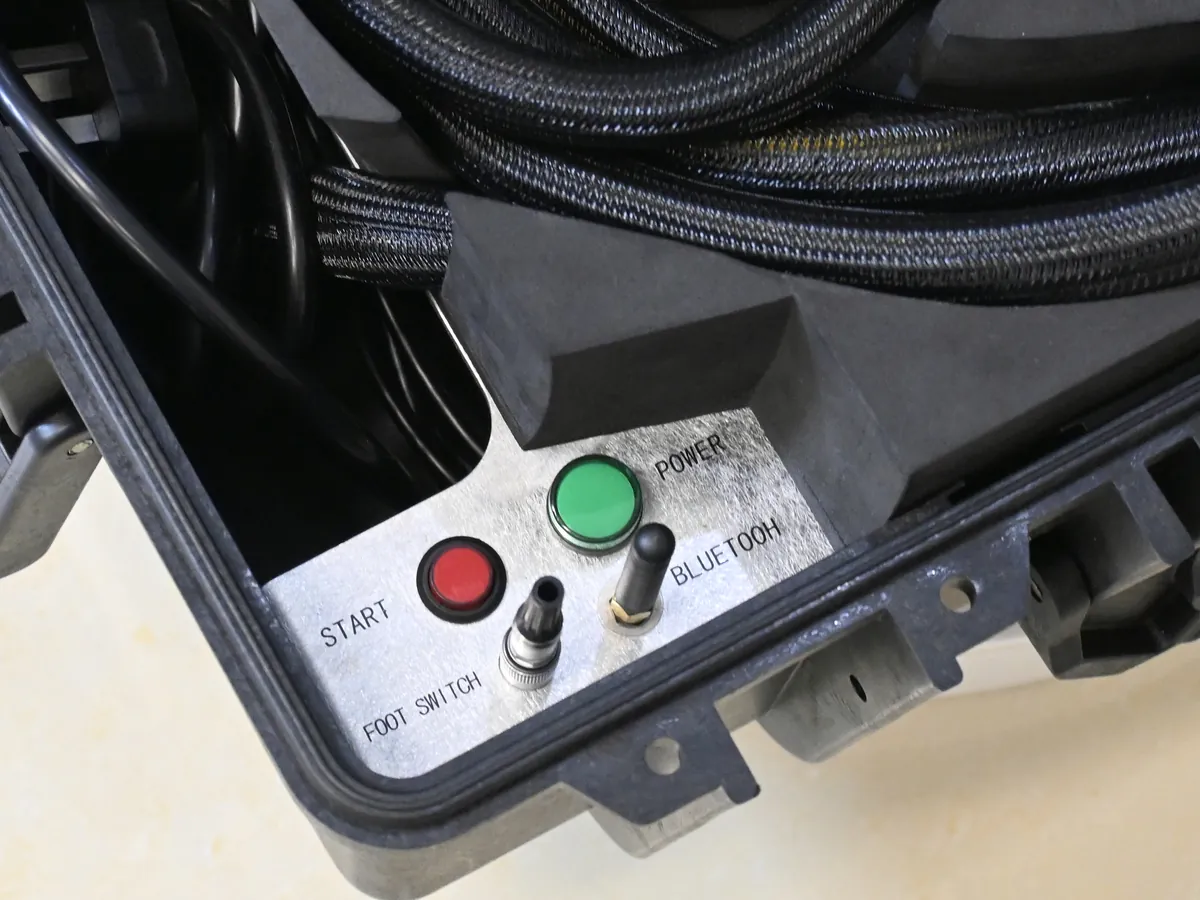
Opened MW-LC trolley case with the fiber cable coiled and the power, start, foot switch and Bluetooth connections on the control plate
MW-LC case: power, start and foot switch
  1. Installation instructions

    Document

    Unpacking, connecting power and cables, and the first start-up.

  2. Installation video

    Video

    The same steps shown on the machine, so they can be followed one by one.

  3. Demonstration video

    Video

    The machine running on a real surface, with the head moving across the part.

  4. Maintenance video

    Video

    Routine care: the protective lens, airflow and cooling checks in the maintenance checklist

Every new operator on your team learns from the same set.

Remote Engineering Support With Video Guidance and Translation

A full-time engineer responds within 24 hours, joins an online video call, looks at the machine and the part through your camera, and talks your operator through the next step. Translation is provided on the call.

Your team sends

  • Photos or a short video of the fault
  • The alarm on the screen
  • The part being cleaned

The engineer opens your record

  • The line, the power level and the options fitted to your unit
  • The diagnosis and the part number start from your own machine

The engineer works it out

  • SettingWhat to change, tested on a small area
  • Wear partWhich part to order
  • ComponentWhich part to order
Operator in work gloves holding the handheld laser cleaning head

Settings for your material

The engineer suggests the cleaning mode, power and frequency to try on your material, and your operator tests them on a small area.

Equipment record kept for each machine

We keep a record for every machine we ship. When you call about a fault or ask for a part, the engineer opens it first.

Line
MW-LY, MW-LCW, MW-LC or MW-LC50
Power level
As shipped to you
Options
As fitted to your unit
Parts warranty
2 years, tracked against this record
Call-backs
Periodic, after delivery: how the machine runs and what your operators ask

Two Support Cases From Our Engineering Team

One wear part, one setting. Both solved remotely.

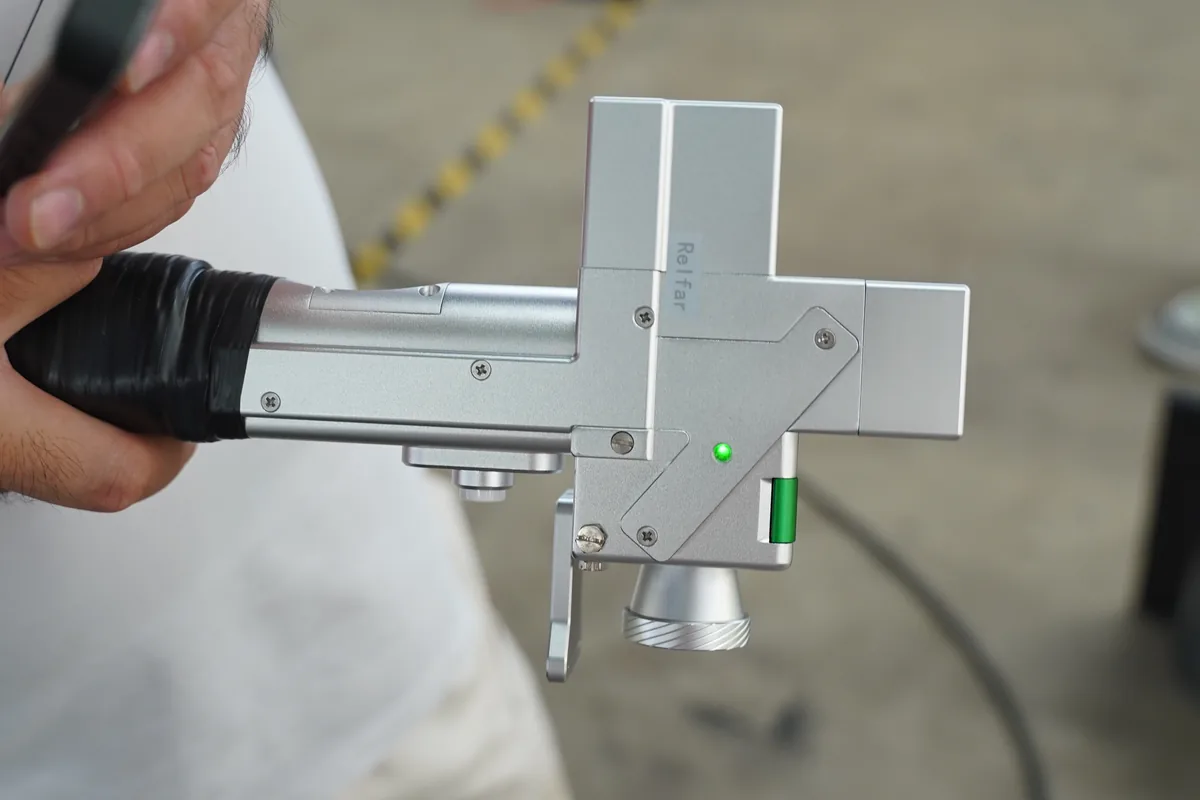
Operator holding a galvo laser cleaning head, the kind of head whose protective lens was changed in this case

Case AProtective lens

Lens damage flagged by the machine

  1. ProblemDuring use, the machine indicated that its protective lens was damaged.
  2. EngineerReplied right away and sent a video showing how to recognise lens damage and how to change the lens.
  3. ResultThe operator identified the damaged lens and replaced it without a service visit.

A lens fault is something your own team can handle with remote guidance.
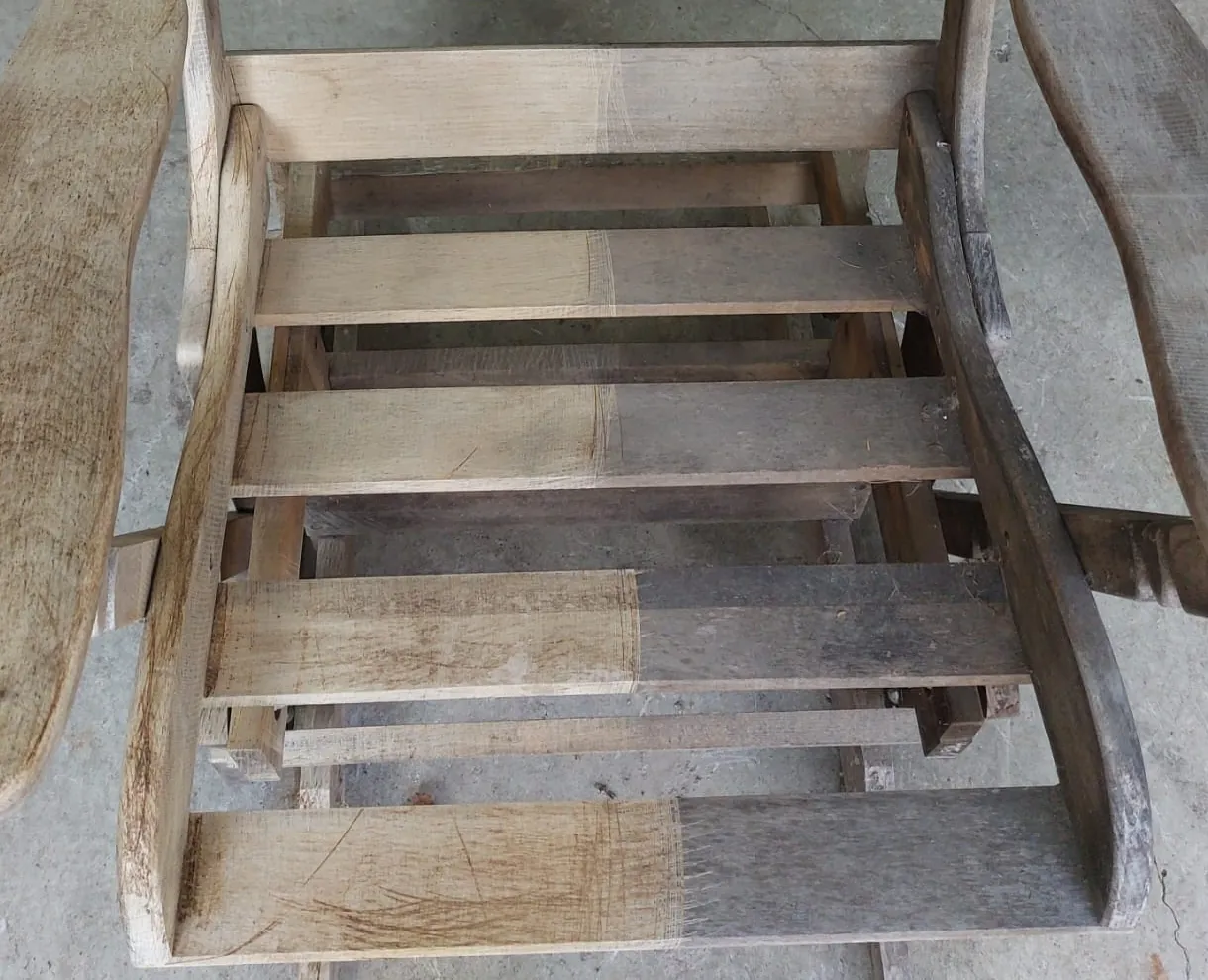
Wooden chair seat slats from the color difference case, with lighter and darker zones across the cleaned wood
The wooden chair from Case B

Case BWood, color difference

Color difference on a wooden chair

  1. ProblemCleaning a wooden chair, the operator saw a difference in color across the cleaned surface.
  2. EngineerExplained that wood needs a slightly higher frequency than the setting in use.
  3. ResultThe operator raised the frequency. Solved during the same contact.

A result that looks wrong is often a setting. More on wood and coated surfaces: laser coating removal

Daily, Weekly and As-Needed Maintenance Checklist

Routine care is short and mostly visual: the protective lens, the air that keeps the head clean, cooling, and the fiber cable. The maintenance video shows each step on the machine.

Show checks for

Every day

Before the first job

  • Protective lens: check for spatter, spots or dust, with the laser off.
  • Ring air blower in front of the field lens: working, so fume and particles stay off the optics.
  • Fiber cable, cabinet to head: no kinks, no sharp bends, nothing resting on it.
  • MW-LCWChiller tank: check the water level before start-up.
  • Air-cooledAir inlets and outlets: clear of boxes, walls and dust.

After the last job

  • Switch off, let the machine stop, and wipe dust and residue from the cabinet and the outside of the head.
  • Store the head with the nozzle protected, so dust does not settle on the lens.
  • Coil the fiber cable in wide, loose loops for storage or transport.

Every week

Ring air outlets around the nozzle of a laser cleaning head
Ring air outlets at the nozzle
  • Air-cooledClean dust from the laser fan, the external fan and the vents around them. On a dusty floor or job site, do this more often.
  • MW-LCWClean the chiller's fan and grille, so heat leaves the water circuit freely.
  • Check that power cables, the earth connection and the head connector are secure and undamaged.

As needed

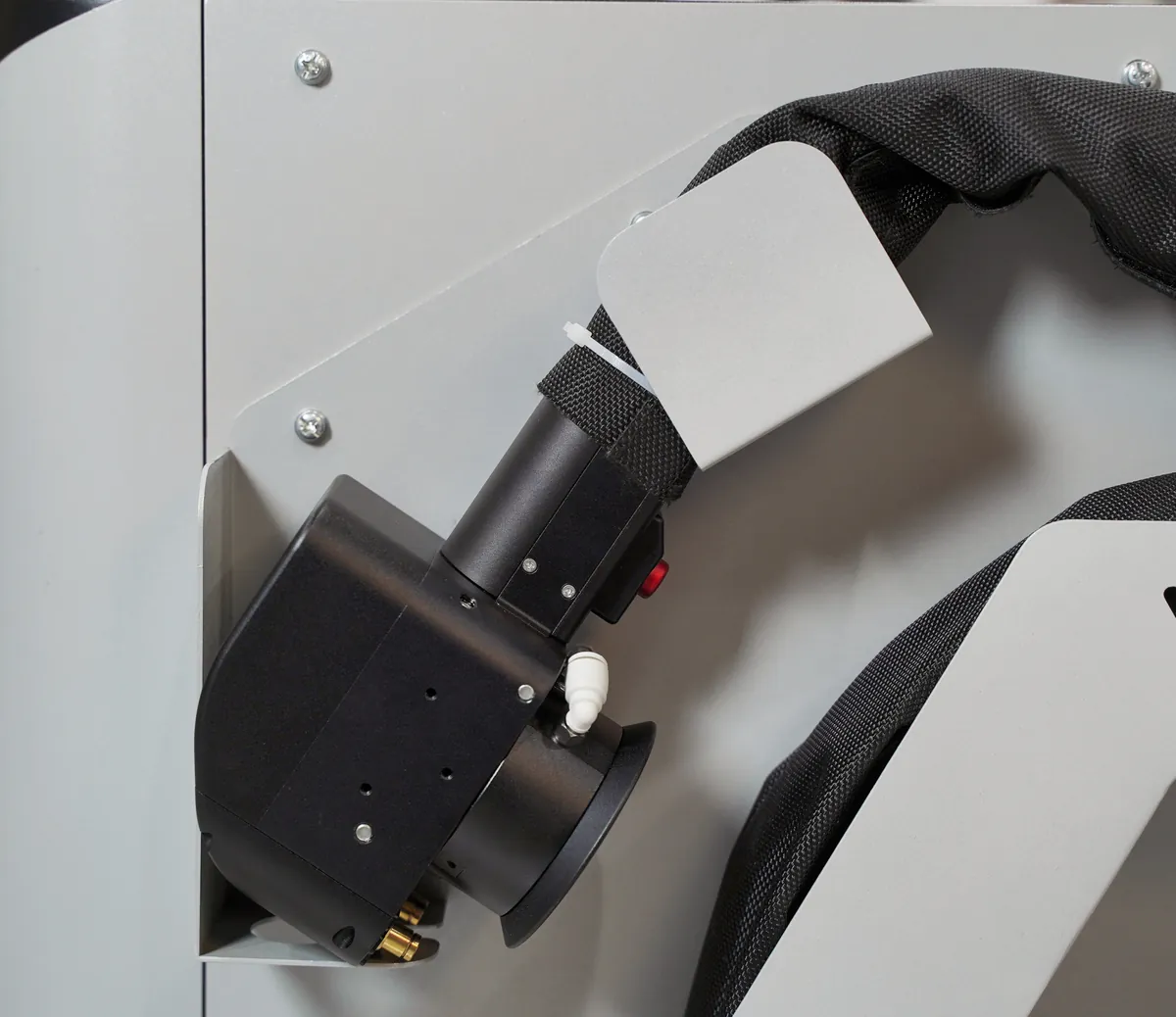
Laser cleaning head stored in its holder on the cabinet side with the nozzle protected
Head stored in its holder
  • Clean or replace the protective lens when spots stay after cleaning, or when the machine indicates lens damage.
  • MW-LCWChange the chiller water following the maintenance video and the chiller's instructions.
  • Replace any worn part from spare parts matched to your equipment record.

Protective Lens Inspection, Cleaning and Replacement

The lens sits in the cleaning head between the focusing optics and the surface. It takes the fume, spatter and particles each pass throws back, so the optics behind it stay clean.

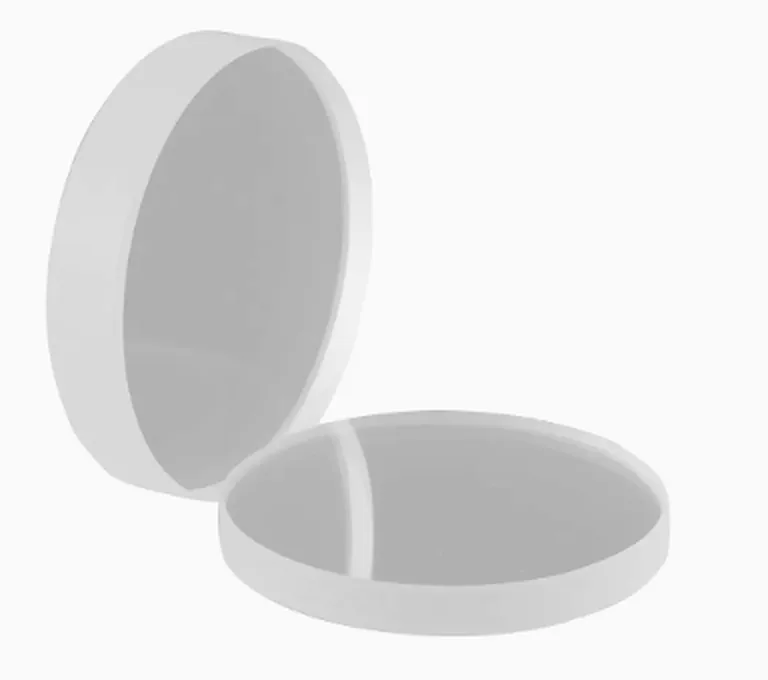
Two quartz protective lenses for a laser cleaning head

On our MW-LY and MW-LCW cabinet lines the protective lens is high-purity quartz.

What a protective lens looks like against a light: clear, dark points from spatter, haze from fume, pits or a crack Clear In service Dark points Spatter: clean Haze Fume: clean Pits, crack Replace
Schematic, not to scale: the lens held against a light.
  1. Inspection

    With the laser switched off, remove the lens holder as shown in the maintenance video and look at the lens against a light. A clean lens is clear across its face. Spatter shows as small dark points; fume deposit shows as a haze.

  2. Cleaning

    Light dust and haze can be cleaned off. Work in a clean spot, keep fingers off the lens face, and follow the method in the maintenance video. Refit the lens before switching the laser back on.

  3. Replacement

    A lens with spots that stay after cleaning, with pits or with a crack is replaced.

    A spot takes in part of the beam: less energy reaches your part, and the lens heats where the spot sits. Changing it early keeps the focusing optics behind it in service.

  4. When the machine indicates lens damage

    Stop cleaning, switch off and inspect the lens. If it is damaged, fit a spare. Not sure what you are looking at? Send a photo of the lens to our engineers or start a video call; they tell you whether to clean or replace it and walk your operator through the change.

Spare Protective Lenses on Site

A damaged lens is then a short stop. Add spare lenses to the quote for your machine.

Cooling Care for Air-Cooled and Water-Cooled Machines

Three lines cool with air, one with water. The checks follow from that.

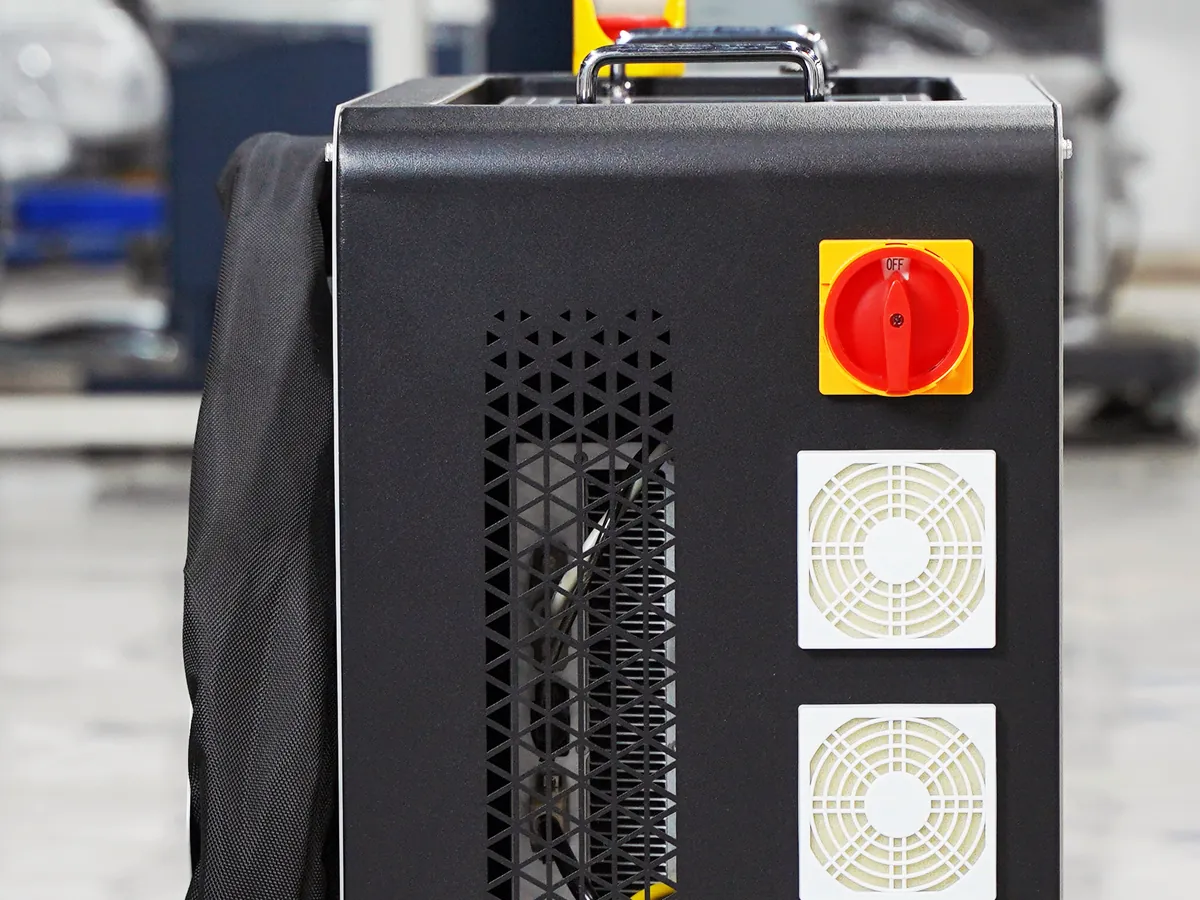
Rear of an air-cooled MW-LY laser cleaner cabinet with two fan grilles, a vent mesh and the main switch
MW-LY rear: fan grilles and vents
MW-LYMW-LC trolley caseMW-LC50 backpack

Air-cooled pulsed lines

Fans move air through the cabinet and past the laser source, so cooling depends on air getting in and out.

  • DailyVents clear, with space left around the cabinet
  • WeeklyDust cleaned from the fans and vents
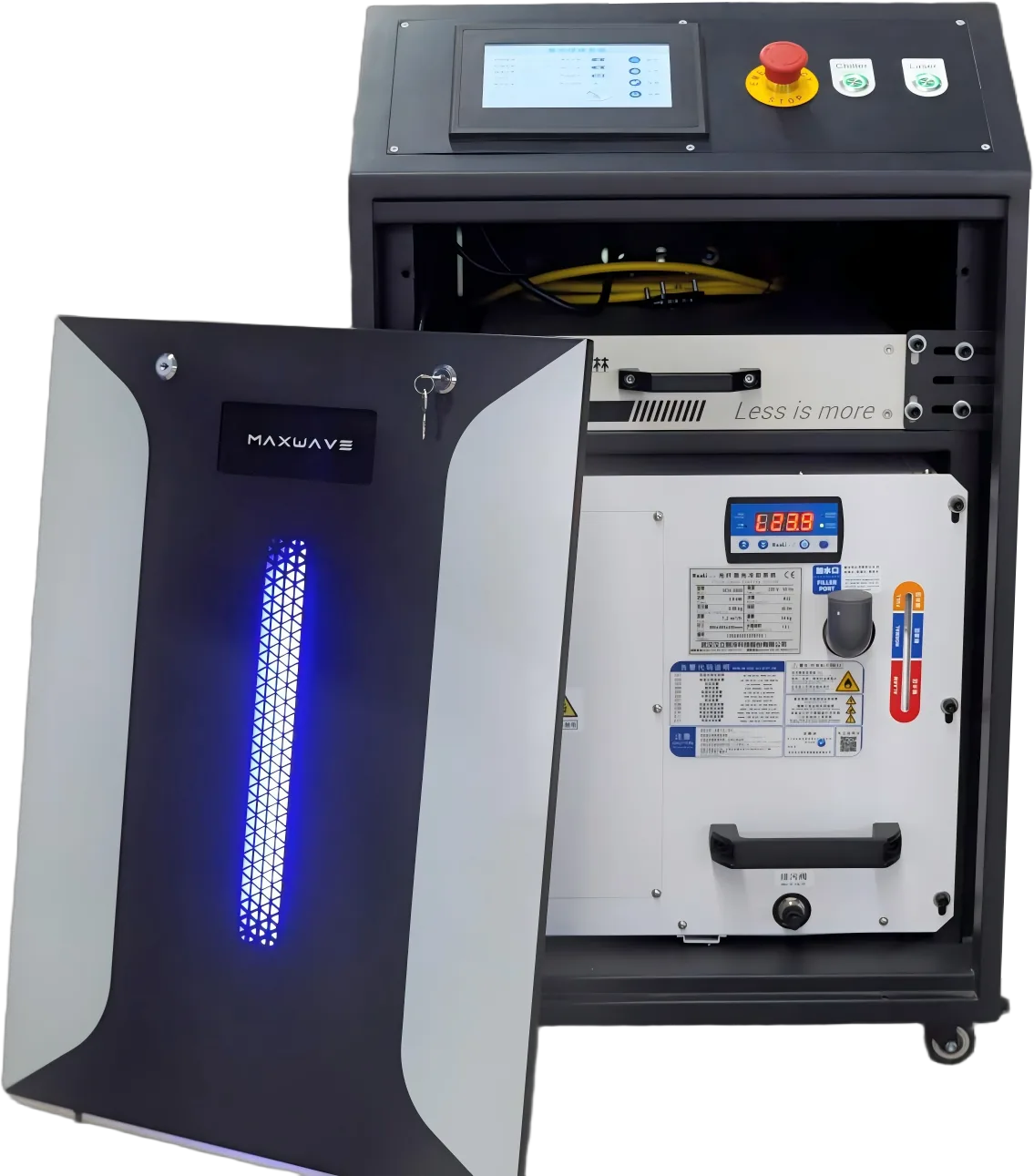
MW-LCW cabinet with the front door open, showing the water chiller built in below the laser source
MW-LCW: chiller in the cabinet
MW-LCW continuous

Water-cooled continuous line

A chiller with a built-in water tank and an external fan takes heat from the laser source during long runs on heavy steel.

  • DailyWater level in the tank before start-up
  • WeeklyChiller fan and grille cleaned
  • As neededWater changed per the maintenance video and the chiller's instructions

The difference between the two cooling types and when each one fits: pulsed vs CW laser cleaning machine

Spare Parts and Wear Parts for Your Machine

The protective lens is the main wear part. We supply spare parts for every line we sell, from protective lenses to electrical and cooling components, and every machine carries a 2-year parts warranty.

  1. Your record

    Each order starts from the equipment record for your unit.

  2. The matching part

    Matched to the line, power level and options of your machine.

  3. Sea or air

    By how quickly you need it, with export documents and tracking arranged.

  • Protective lenses
  • Electrical components
  • Cooling components
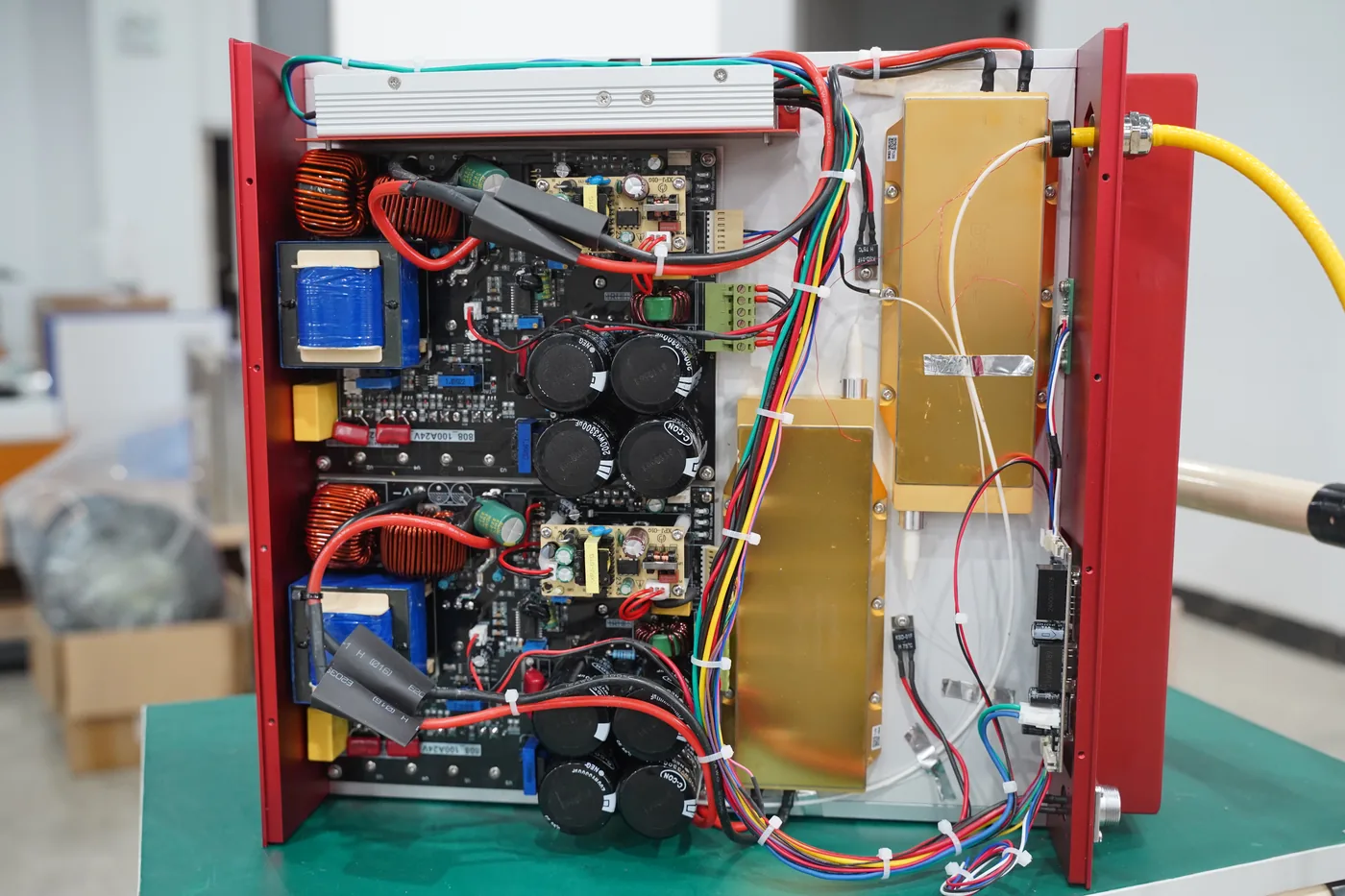
Electrical components inside a fiber laser source: driver boards and routed wiring
Electrical components, laser source

Laser Safety, Fume Extraction and Site Preparation

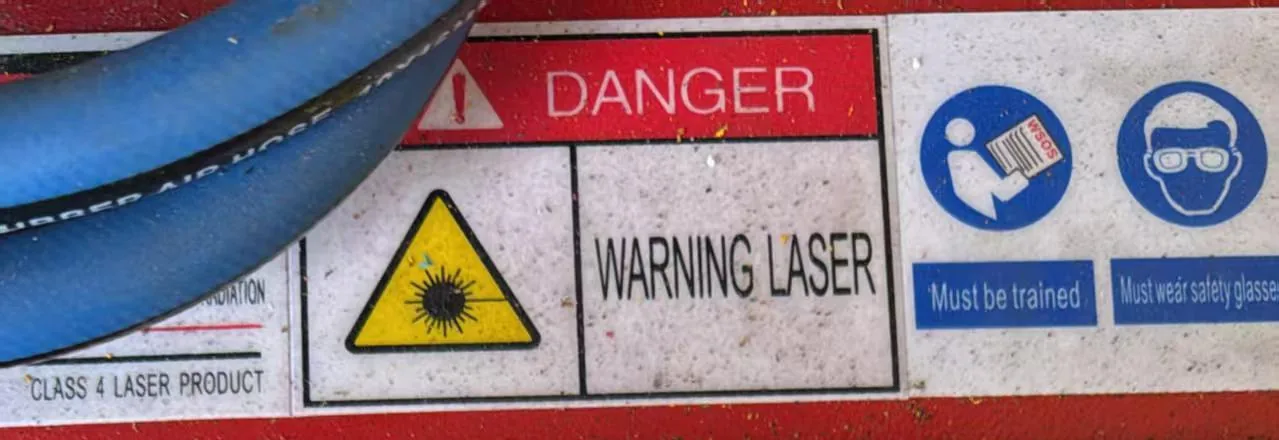
All four MAXWAVE lines are Class 4 laser equipment: the beam can injure eyes and skin directly and by reflection. Every job runs inside a controlled laser area, with an extractor at the cleaning point.

Top view of a controlled laser area: screens and warning signs, reflection screen, extractor, cabinet, fiber route, earthed supply and operator A B C D E F G
Schematic, not to scale: top view of one cleaning station.
  • ABarriers or screens and warning signs mark the laser area
  • BScreen in front of bright surfaces, catching reflections
  • CExtractor nozzle close to the beam
  • DCabinet with clear air flow around it
  • EFiber route: no sharp bends, no traffic over it
  • FProperly earthed supply
  • GTrained operator in eyewear, face shield and gloves
Danger, warning laser and Class 4 laser product labels on a laser cleaning machine body

Eyewear for your wavelength

MW-LY pulsed
1064 nm
MW-LCW continuous
1080 nm
Portable units
Confirm with our engineer when you order
Pulsed and continuous in one shop
Rated for both

A face shield over the eyewear protects the face from spatter thrown off the surface; gloves and long sleeves protect hands and arms.

Controlled laser area

Mark the area around the cleaning point with barriers or screens and warning signs. Only trained operators, wearing protection, work inside it while the laser is on. Everyone else stays outside until the machine is switched off.

On a fixed station the area is set up once; on a portable job, at each location.

Reflective surfaces

Bare steel, stainless steel, aluminum and polished mold surfaces reflect part of the beam. Before the first pass, put screens in front of bright surfaces, or angle the head so any reflection travels toward a screen or wall.

Reflections change as the layer comes off and bare metal appears, so check again during the job.

Fume extraction and ventilation

  • Paint and coatings: the heaviest fume. Run a filtered extractor with its nozzle close to the beam.
  • Oil and grease: smoke as the oil burns away. Extraction runs for the whole job.
  • Mold residue: release agent, rubber and plastic leave as fume. The nozzle sits near the cavity throughout.

Indoors, ventilate the room as well. In tanks, housings and other closed spaces, plan extraction and ventilation before work starts, with respiratory protection where extraction cannot capture everything. On-site conditions: laser cleaning for industrial maintenance

Power, earth and space

MW-LY pulsed cabinet220 V
MW-LCW 3000 W380 V
MW-LC trolley case24 V or 48 V
Other MW-LCW power levels, MW-LC50 backpackConfirmed with your quote

Connect to a properly earthed supply, installed by your electrician to your local rules. Leave room for the cabinet and the operator, clear air flow around air-cooled cabinets and the MW-LCW chiller, and a place for screens, signs and the extractor.

How each machine is tested and packed before it reaches you: About Us

Ask a Technical Question

Setup, settings, maintenance or site preparation: an engineer replies with the answer for your unit.

What to send

  • Your machine's line and power level.
  • The question on setup, settings, a fault or site preparation.
  • A photo or short video if it helps.
  • Still choosing a machine? Get a Quote with the same form: material, contamination, workload, application, country and a photo of the part.

Phone / WhatsApp: +86 15327155363 · Call